
FAQS NAVIGATOR
Our Guide to Common Queries
1. What is GEP?
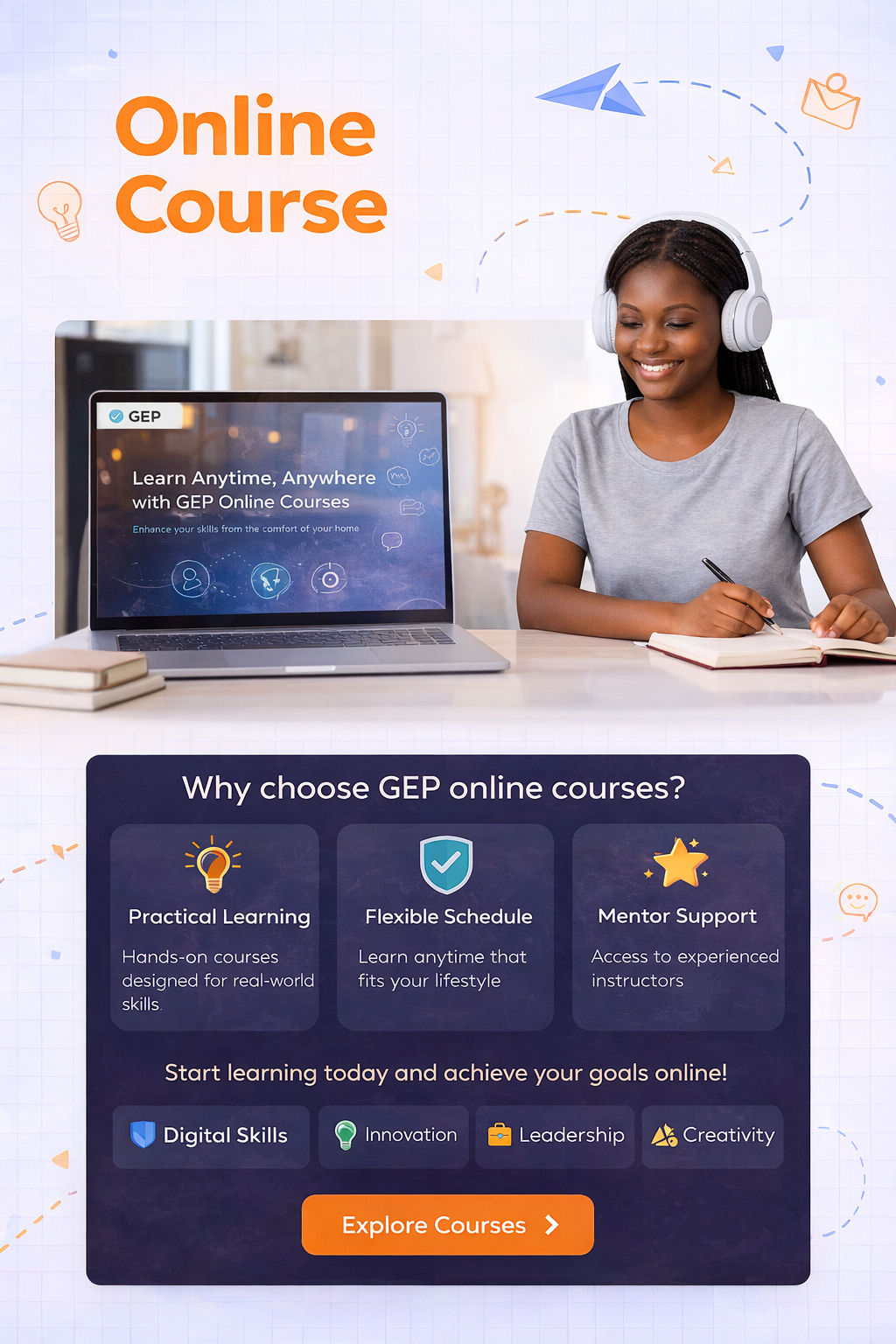
GEP (GJC Educational Platform) is an online learning platform that provides accessible, curriculum-aligned educational courses and learning resources for students, teachers, and other learners.
2. Who can use GEP?
GEP is designed for students, teachers, educators, and other learners who want to access quality educational content online.
3. What types of courses are available on GEP?
GEP provides courses and learning resources covering subjects and educational areas aligned with the needs of Rwandan learners and educators.
4. How do I enroll in a course?
Create or log in to your GEP account, select the course you want, complete the required purchase or enrollment process, and access the course from your account.
5. Can I learn at my own pace?
Yes. GEP allows learners to access their enrolled courses and study according to their own schedule, subject to the conditions of the specific course.
6. Do I need an account to access courses?
An account is required for enrolling in and accessing courses that are offered through the GEP learning system.
7. Can I access GEP using a smartphone?
Yes. GEP can be accessed through a modern web browser on smartphones, tablets, laptops, and desktop computers.
8. Will I receive a certificate after completing a course?
Certificate availability depends on the specific course. Where a course includes a certificate, the requirements for obtaining it will be provided within the course.
9. Can I access my course after enrolling?
Yes. Once enrollment is successfully completed, the course can be accessed through your GEP account.
10. How can I contact GEP?
You can contact GEP through the support/contact options provided on the platform for assistance with courses, payments, accounts, or technical issues.
1. What payment methods does GEP accept?
GEP accepts the payment methods displayed at checkout. Available options may vary depending on the course and payment service.
2. How do I pay for a course?
Select your preferred course, proceed to checkout, choose an available payment method, and complete the payment instructions provided.
3. How do I know if my payment was successful?
After a successful payment, your order or enrollment status will be updated, and you will receive the relevant confirmation.
4. What should I do if my payment fails?
Check that your payment details are correct and try again. If the problem continues, contact GEP Support for assistance.
5. Are there discounts or promotional offers?
GEP may offer discounts and promotional campaigns from time to time. Any applicable offer will be communicated on the platform.
1. How can I place an order for a course?
Select the course you want, add it to your order, and follow the checkout instructions to complete your purchase.
2. How can I check my order status?
Log in to your GEP account and check your orders or course enrollment information to view the status of your purchase.
3. Can I cancel my order?
Order cancellation depends on the status of the order and the applicable GEP terms. Contact GEP Support as soon as possible if you need to cancel an order.
4. Can I request a refund?
Refund requests are handled according to GEP’s refund policy. Contact GEP Support with your order details to request assistance.
5. What should I do if I am charged but do not receive my course?
Do not make another payment immediately. Contact GEP Support and provide your payment or order details so the issue can be checked.
1. How do I find a course on GEP?
Browse the available courses or use the search function to find a course that matches your learning needs.
2. How do I purchase a course?
Open the course you want, review its information and price, then proceed to checkout and complete the payment process.
3. How do I access a course after purchasing it?
Log in to your GEP account and open your enrolled courses to start learning.
4. Can I purchase more than one course?
Yes. You can purchase multiple courses and access them through your GEP account.
5. What happens after I complete my order?
After your payment is successfully processed, your course enrollment will be confirmed and you can access the course through your account.
1. How can I contact GEP Support?
You can contact GEP through the support or contact options provided on the platform.
2. What should I do if I cannot log in to my account?
Check your login details and use the password recovery option if necessary. If the problem continues, contact GEP Support.
3. What should I do if I cannot access my course?
First, confirm that you are logged into the correct account and that your enrollment or payment was completed. If you still cannot access the course, contact GEP Support.
4. Can I get help with technical problems?
Yes. GEP Support can assist with platform, account, course-access, and other technical issues.
5. How can I report a problem or give feedback?
Contact GEP Support using the available contact options and provide a clear description of the problem or feedback.
Sign up to receive our latest updates
Get in touch
Subjects Categories


- © 2026 GEP – GJC Educational Platform. All rights reserved.